
 Rath Finance
Get API Access
Request an xPath API key and configure authenticated requests.
xPath uses API keys to authenticate requests for quotes, route building, token discovery, gasless execution, and transaction status.
Get API Access
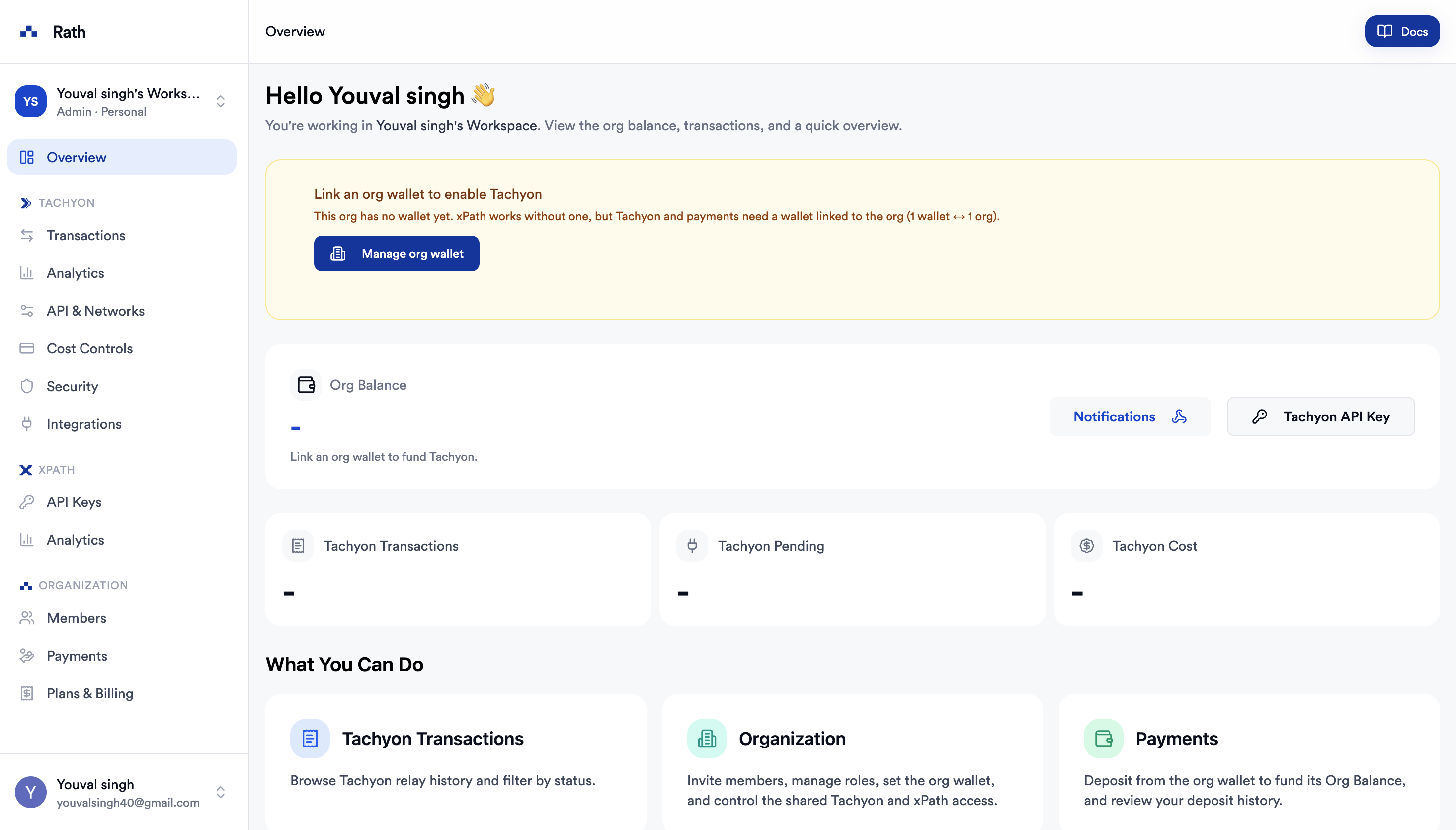
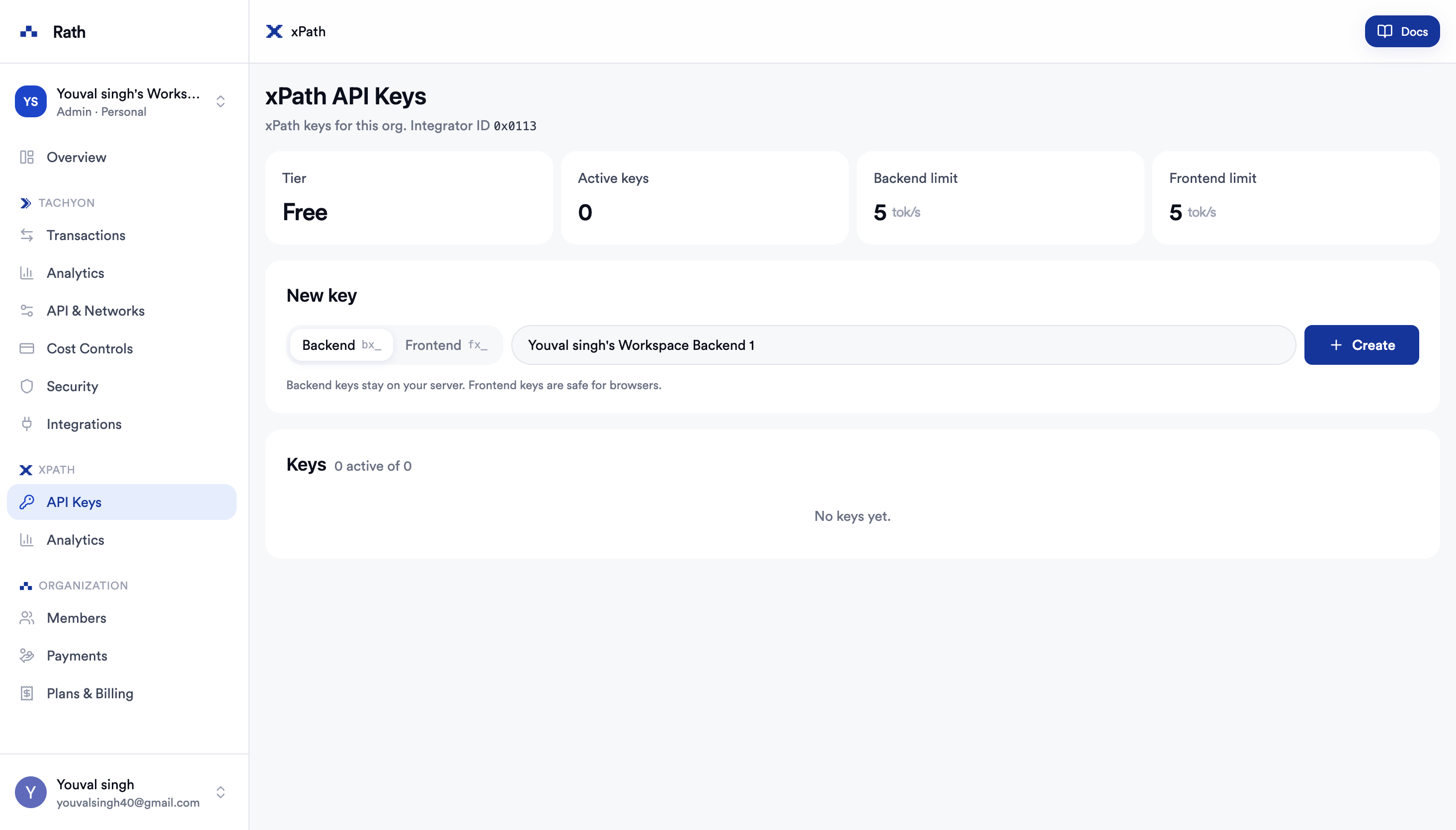
Create a New Key
Click + Create to generate a new API key. Copy it immediately — it is shown only once.
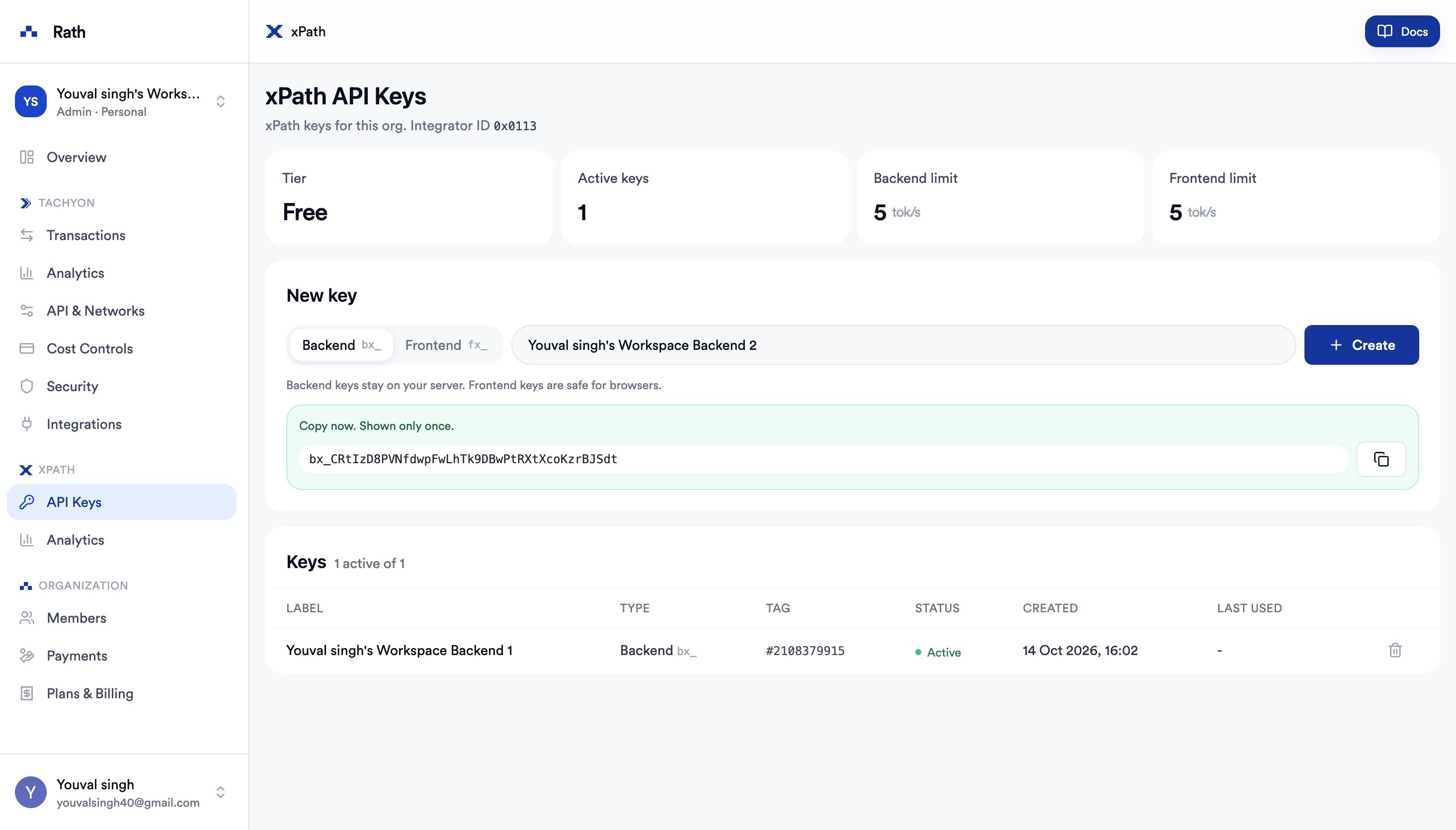
Base URL
Use the production API base URL:
https://api.xpath.rath.fiAll endpoint paths are relative to this URL. For example:
GET https://api.xpath.rath.fi/supported-chains
GET https://api.xpath.rath.fi/quote
POST https://api.xpath.rath.fi/build-path-by-id
Authentication
Include your API key in the api-key request header:
curl --request GET \
  --url 'https://api.xpath.rath.fi/supported-chains' \
  --header 'api-key: YOUR_API_KEY'
Missing or invalid API keys return 401 Unauthorized.
First Quote Request
After receiving access, test your key with a quote request:
curl --request GET \
  --url 'https://api.xpath.rath.fi/quote?fromChain=8453&toChain=42161&fromToken=0x4200000000000000000000000000000000000006&toToken=0xaf88d065e77c8cC2239327C5EDb3A432268e5831&amount=1000000000000000&sender=0x1111111111111111111111111111111111111111&routeMode=suggested' \
  --header 'api-key: YOUR_API_KEY'
A successful xPath response uses this envelope:
{
  "code": 0,
  "message": "success",
  "data": []
}
Check both the HTTP status and the response code.
Using the Key in an Application
Keep the key in an environment variable:
XPATH_API_KEY=YOUR_API_KEYThen attach it to requests from your backend:
const response = await fetch('https://api.xpath.rath.fi/supported-chains', {
  headers: {
    'api-key': process.env.XPATH_API_KEY!,
  },
})

if (!response.ok) {
  throw new Error(`xPath request failed: ${response.status} ${await response.text()}`)
}

const result = await response.json()

if (result.code !== 0) {
  throw new Error(`xPath error: ${result.message}`)
}
Security Recommendation
For production applications, route xPath requests through your backend or a protected API proxy.
Do not embed the API key in:
- browser JavaScript bundles
- public mobile application configuration
- public repositories
- logs, analytics events, or error messages
Exposing the key can allow unauthorized use of your account and exhaust its request limits. If a key is exposed, rotate it before continuing to use the integration.
Tokens and Amounts
Before requesting a quote:
- Fetch supported networks from
GET /supported-chains. - Fetch tokens from
GET /tokensorGET /search-token. - Use the token address exactly as returned for that chain.
- Convert the display amount into a base-10 integer string using the token's decimals.
For example, one token with 6 decimals is:
1000000Do not assume a native-token placeholder or token decimals. Retrieve current token metadata from xPath.
Access Troubleshooting
| Response | Meaning | Action |
|---|---|---|
401 | API key is missing or invalid | Verify the api-key header and active key. |
400 | Request parameters are invalid | Check chain IDs, token addresses, amount format, and required fields. |
500 | Route planning or execution failed | Retry only when appropriate and retain the request parameters for debugging. |
For endpoint parameters and response schemas, see the API Reference. To start integrating, continue to the Quickstart.