Rath Finance
How-To Guides
Register Notifier
Step-by-step guide to register a notifier in Tachyon dashboard to receive transaction updates and notifications.
Once the Tachyon account is set up, follow these steps to register a notifier to get transaction updates.
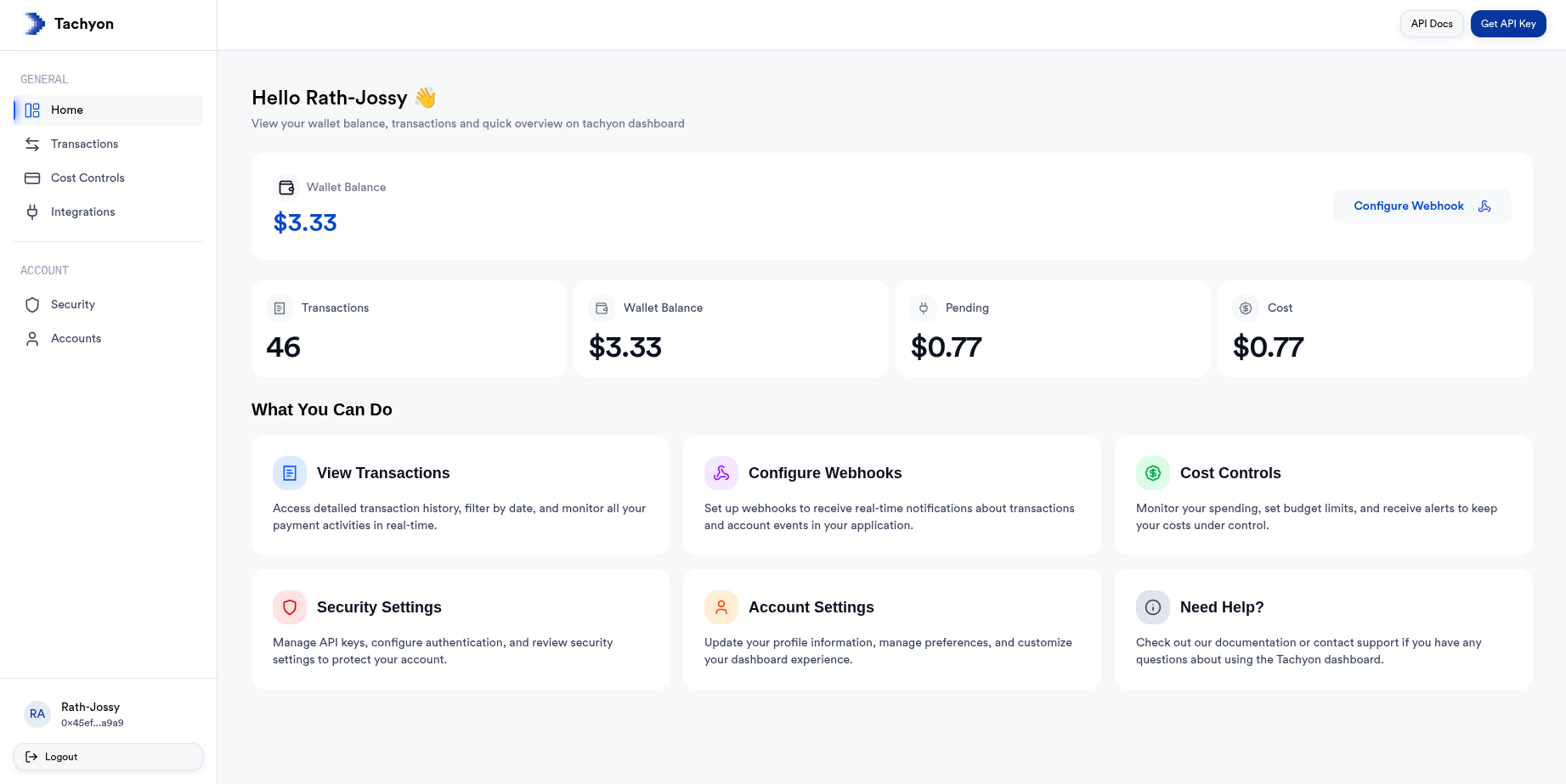
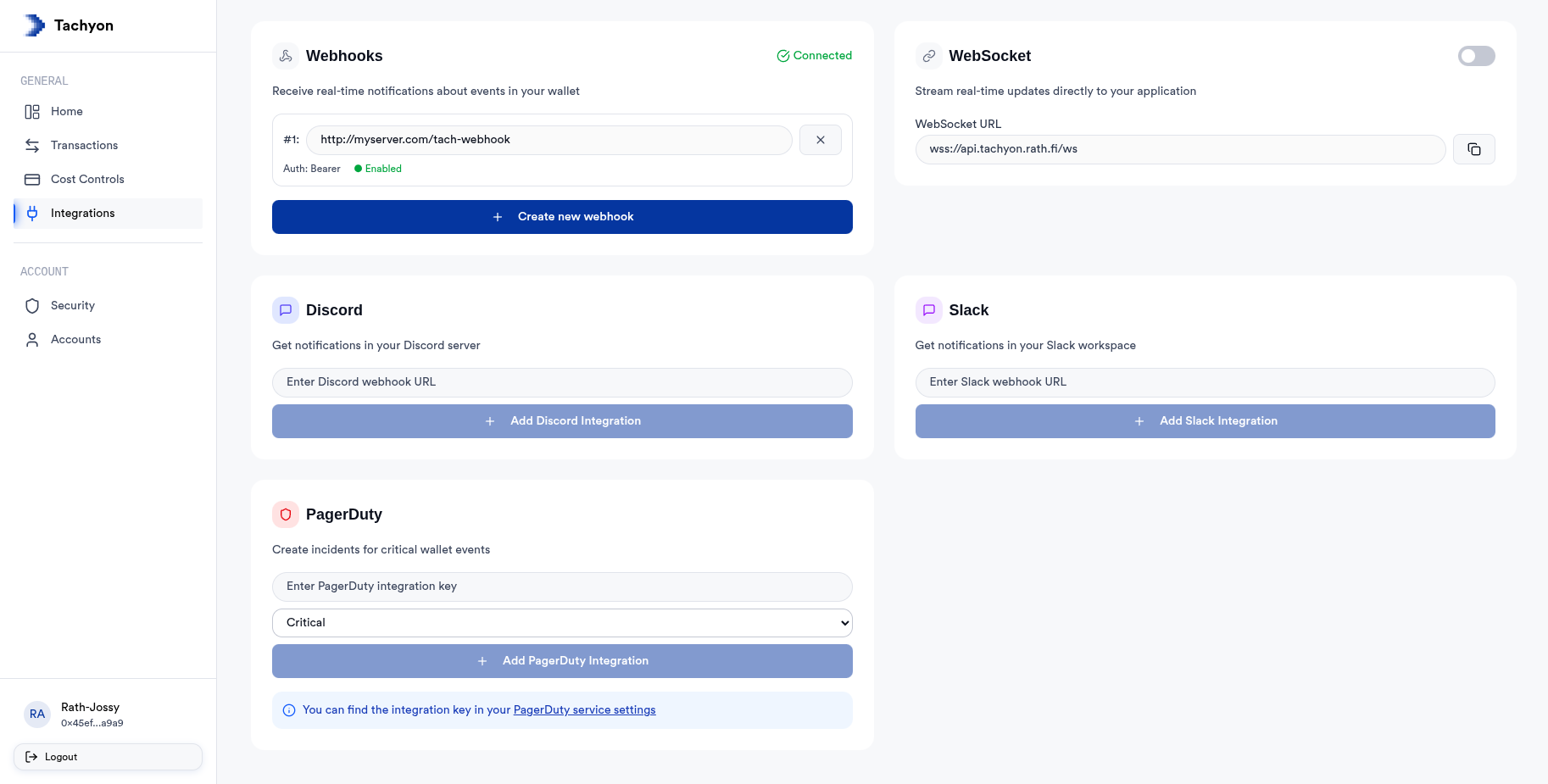
Select notifier and provide details
You can configure these notifiers:
- For Discord provide the Discord channel webhook url.
- For Slack provide the Slack webhook url.
- For PagerDuty provide the integration key.
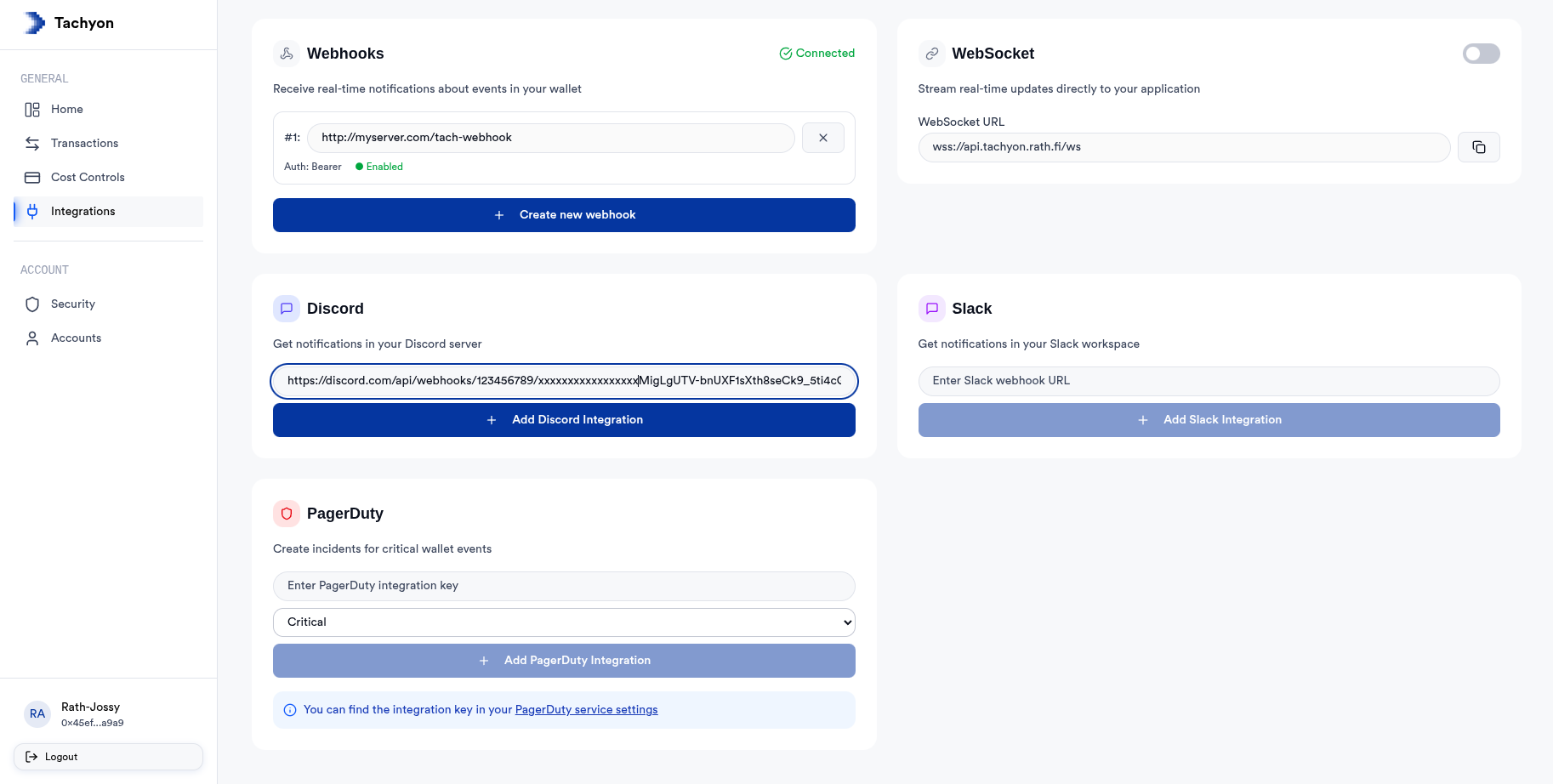
Notifier Registered Successfully
Now you will start receiving transaction notification on the notifier platform.