
 Rath Finance
Get API Access
Retrieve your Tachyon API key from the Rath dashboard.
Tachyon uses API keys to authenticate requests for relaying transactions, checking status, and managing account information.
Get API Access
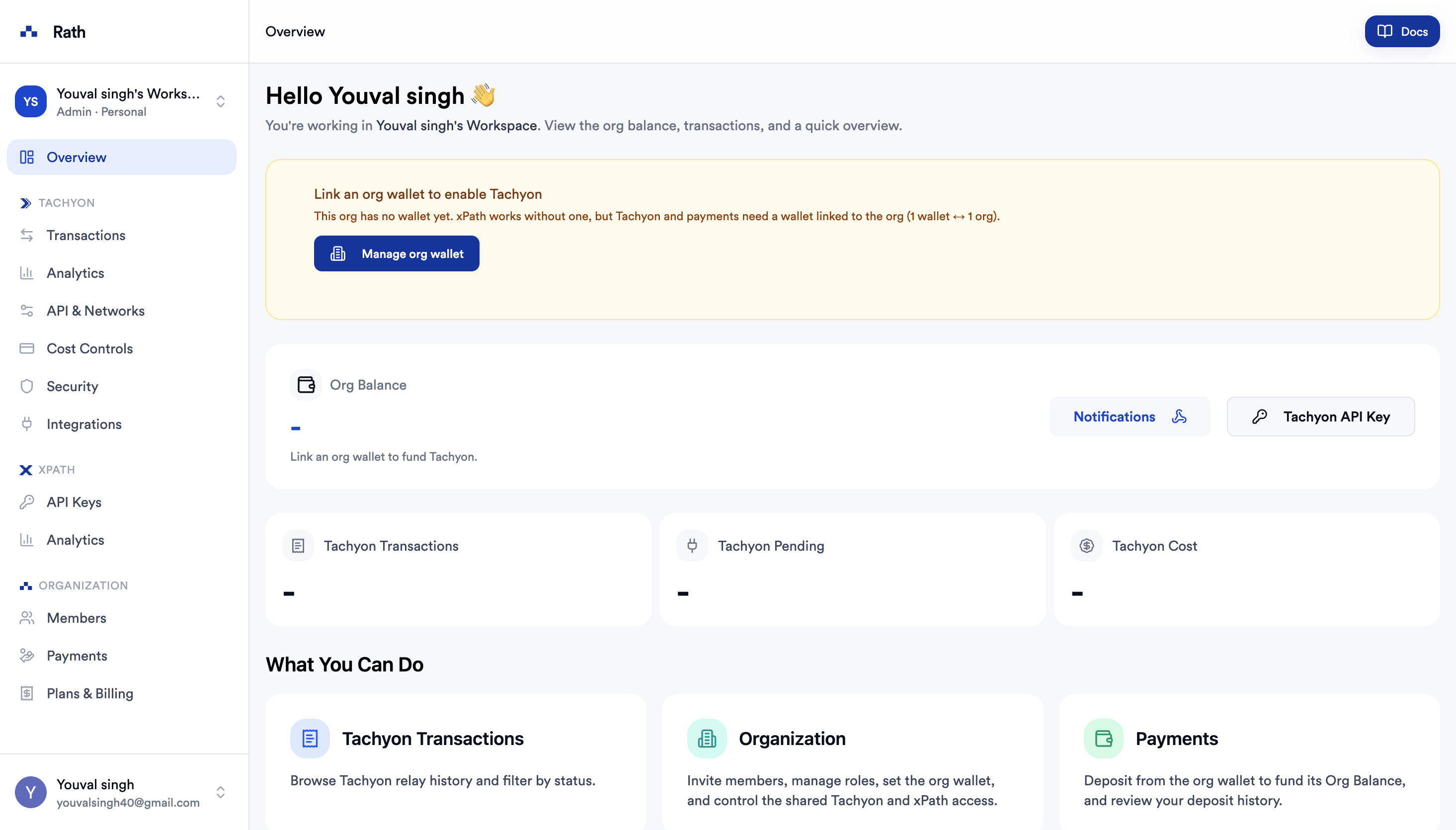
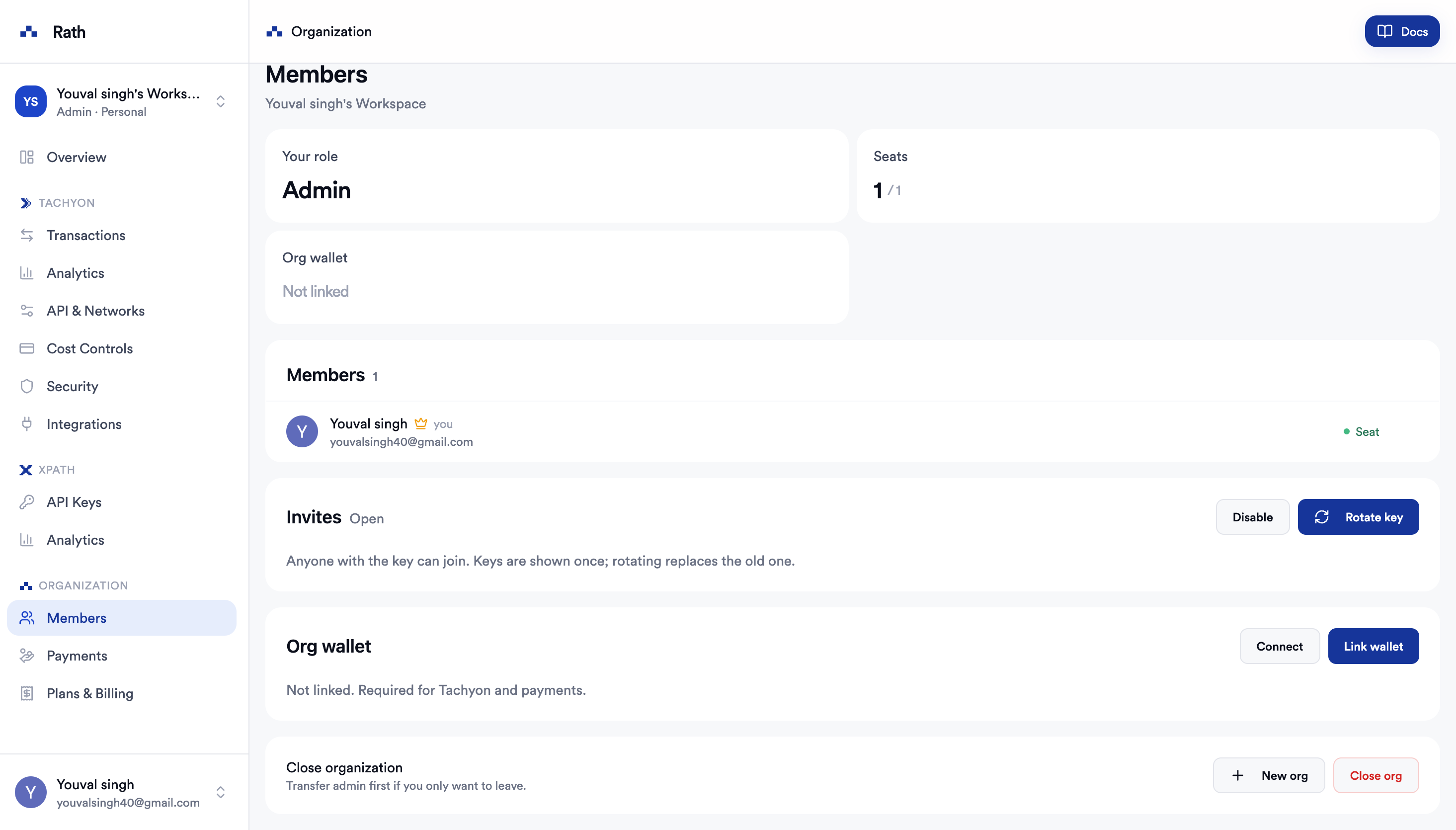
Connect Org Wallet
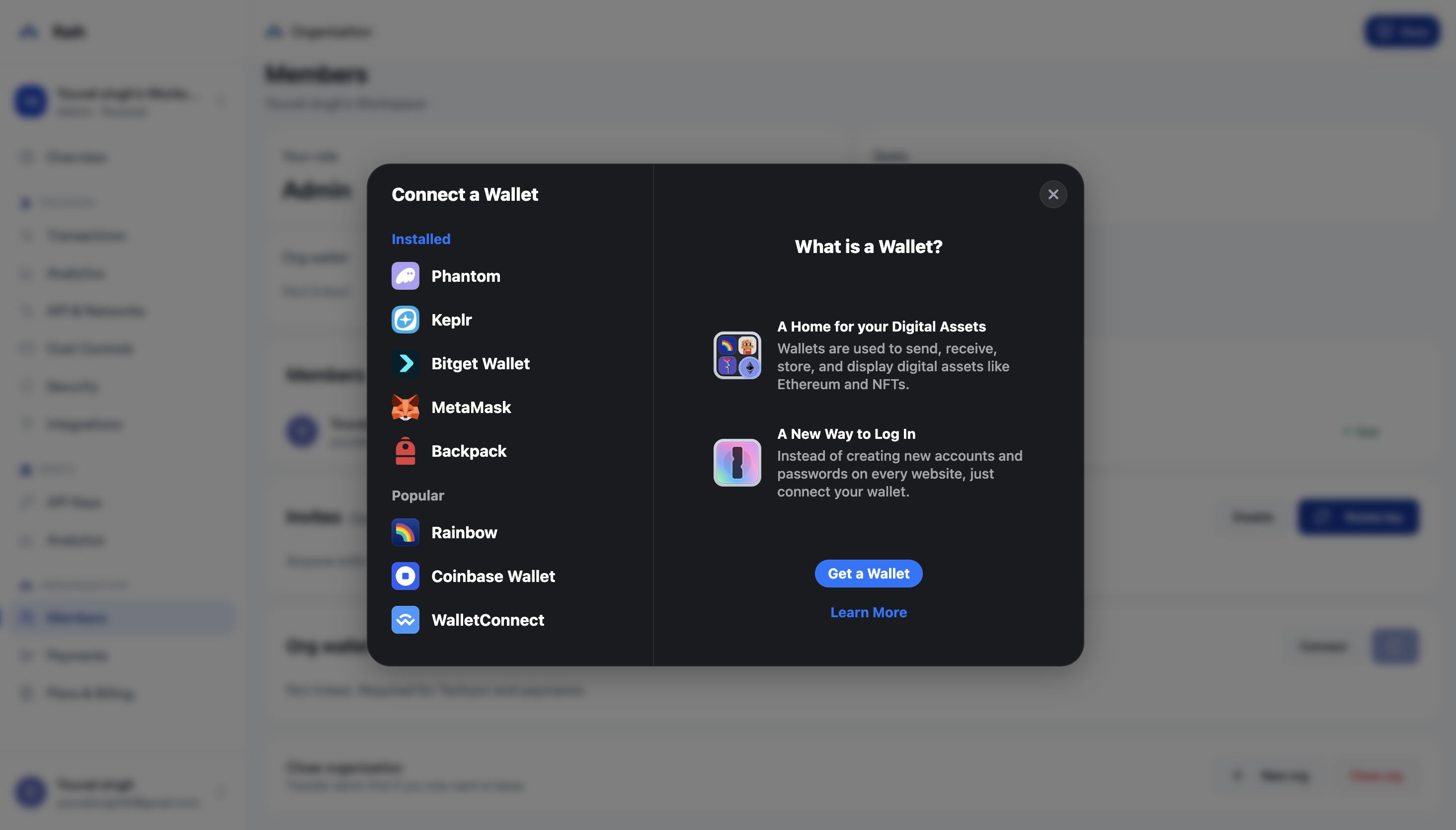
Click Connect under Org wallet and select your preferred wallet. The org wallet is required for Tachyon and payments.
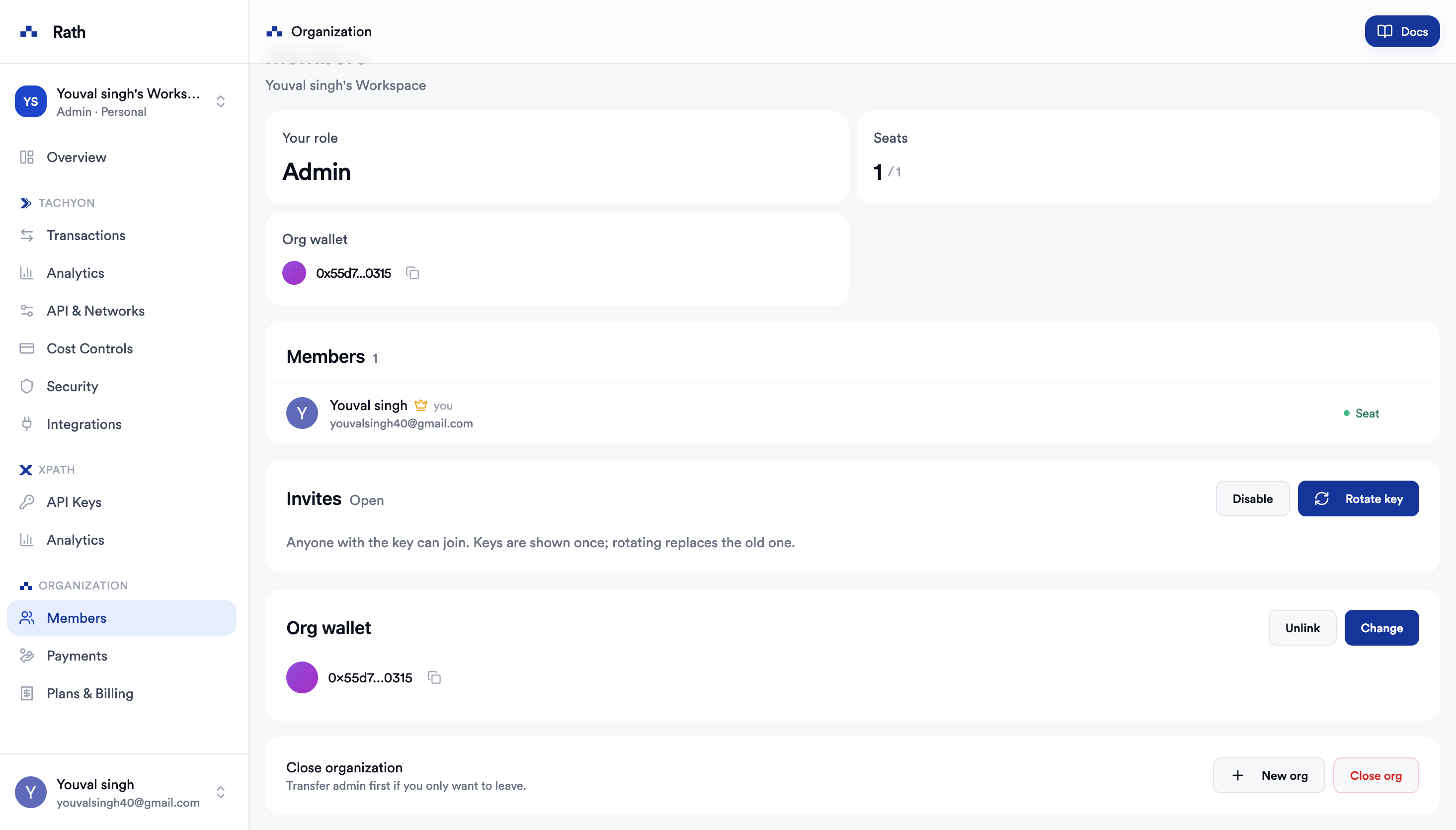
Get Your API Key
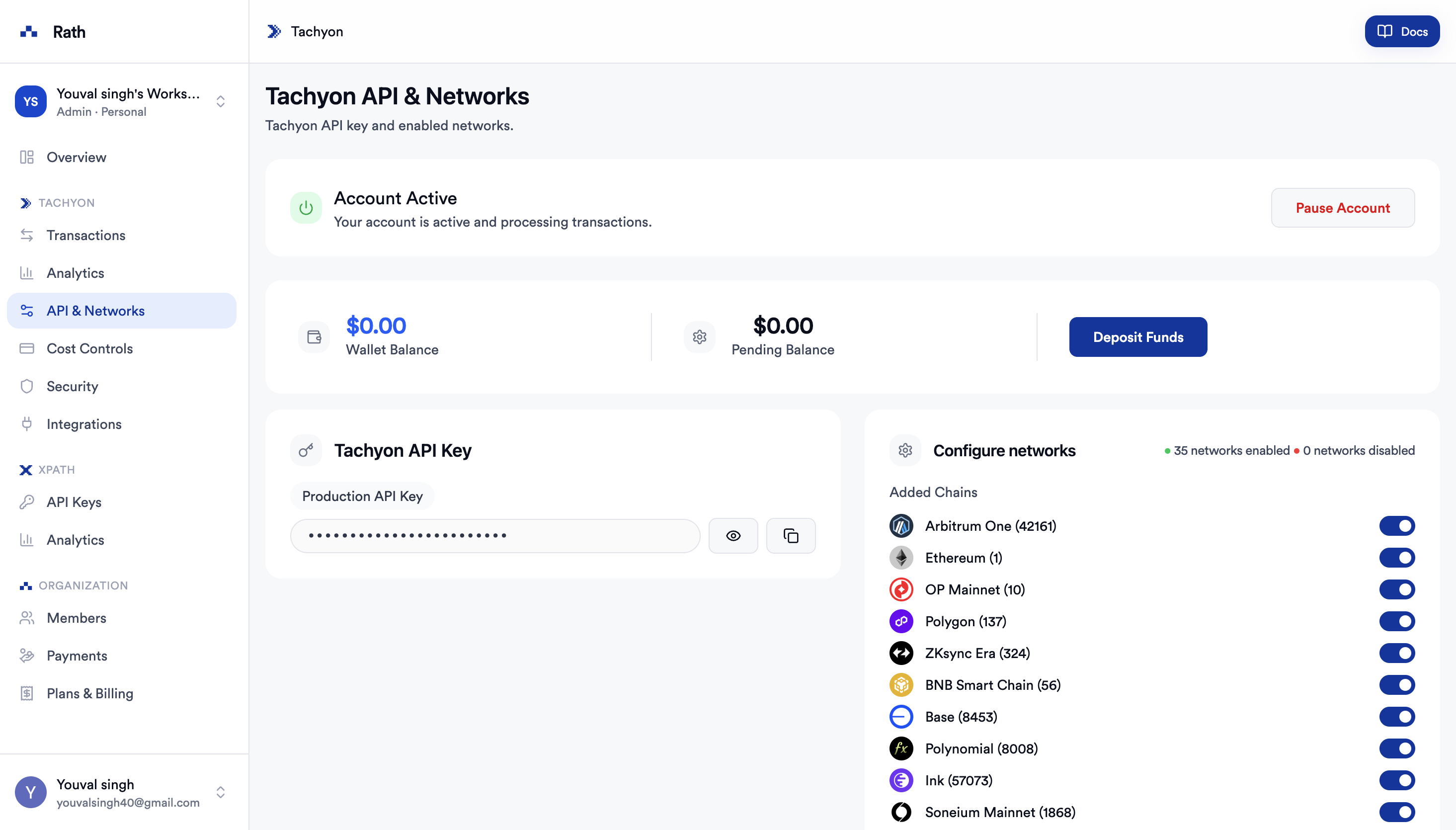
Navigate to Tachyon → API & Networks. Your Production API Key is listed under Tachyon API Key. Click the eye icon to reveal it, then copy and store it safely.
Authentication
Include your API key in the api-key request header:
curl -X POST https://tachyon.rath.fi/api/submit-tx \
  -H "api-key: YOUR_API_KEY" \
  -H "Content-Type: application/json"
Missing or invalid API keys return 401 Unauthorized.
Security Recommendation
Keep the key in an environment variable and never expose it in client-side code or public repositories:
TACHYON_API_KEY=YOUR_API_KEYIf a key is exposed, navigate back to API & Networks and rotate it immediately.